
Since the summer of 2004 I have only been using Apple computers. So today I decided it was time to finally get Medal of Honor: Allied Assault Was Chest running on my MacBook Pro M1.
Let me quickly summaries what did not work: Wine ran into Gatekeeper issues, Whisky is no longer maintained, Crossover (the most reliable option) failed to run the game, which would crash at launch.
OpenMOHAA
Which led me to OpenMOHAA, that required several quick steps before it would finally work. Most of the issues were, again, related to Gatekeeper.
In short, I did the following: First I installed the file extractor, then I ran setup. Then I changed the file mode of the Unix files to executable. Finally I let Gatekeeper know I want the files to run.
- Download the Game
I had already download the game from my GOG account in my failed attempts to get it running with Crossover. So the required files were already in my ~/Downloads folder. - Extract the Files
In short: First I installed the file extractor, then I ran setup. Then I change the mode of the the Unix to make them executable. Finally I let Gatekeeper know I want the files to run.
brew install innoextract
cd ~/downloads
innoextract setup_medal_of_honor_2.0.0.21.exe
The result was a new folder ~/Downloads/app with all the game folders and files. - Download OpenMOHAA
I downloaded the most recent multi architecture asset openmohaa-v0.82.1-macos-multiarch-arm64-x86_64.zip from https://github.com/openmoh/openmohaa/releases/ - Move OpenMOHAA to Game Folder
All the OpenMOHAA files in the auto-expanded folder ~/Downloads/openmohaa-v0 were moved to the ~/Downloads/app folder. - Change to Game Folder
The remaining steps are all done from the app folder:
cd ~/Downloads/app - Make Games Executable
The files that runs the game are not given the correct mode when extracted. To make them executable, I used chmod:
chmod +x launch_openmohaa_base
chmod +x launch_openmohaa_spearhead
chmod +x launch_openmohaa_breakthrough
chmod +x openmohaa - Update Gatekeeper
To make Gatekeeper open the game for launching I did:
xattr -d com.apple.quarantine launch_openmohaa_spearhead
And to allow openmohaa to launch I finally did:
xattr -dr com.apple.quarantine . - Launch Spearhead
Now I was able to launch the actual game, still from the ~/Downloads/app folder — and only using Terminal:
launch_openmohaa_spearhead
Hope that works for you!
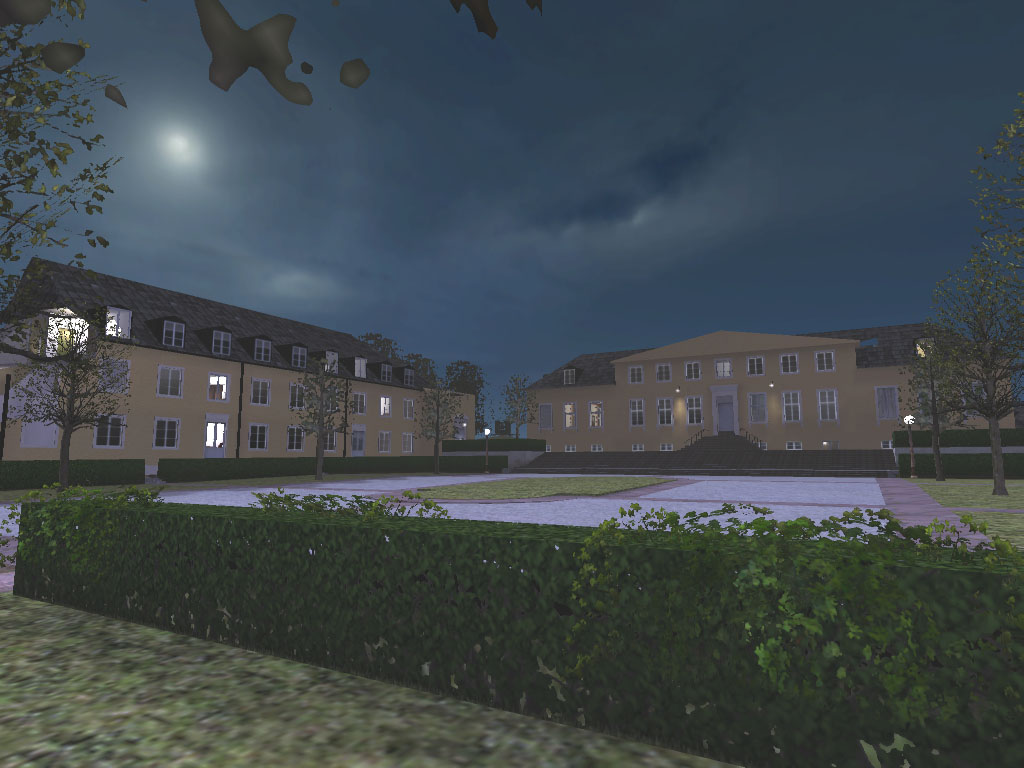
And these are the maps I made for the game, back in 2003: https://basberg.com/mohaa
Enjoy!
Johan